Use ready-made copy, promotional ideas, product facts, official banners,
website embed code, disclosures, and affiliate guidance to start promoting ProtectKit quickly.
Replace example links with your own approved affiliate tracking link before publishing.
This page is designed to reduce the work required to create ProtectKit
promotions. Use the materials as a starting point and adapt them to your audience.
Keep promotions accurate and consistent with the current ProtectKit product.
PlatformBuilt for Windows 11.
Free editionProtectKit Free is available through the Microsoft Store.
Premium Monthly$3.99 per month.
Premium Yearly$29.99 per year.
Core positioningWindows security that explains itself.
AudienceEveryday Windows users who want clearer security information and practical tools.
Free-to-Premium pathAffiliates can introduce users to a useful Free edition before discussing Premium.
TrackingUse the affiliate tracking link assigned to your approved affiliate account.
Affiliate Banners
Ready-to-use ProtectKit promotional graphics
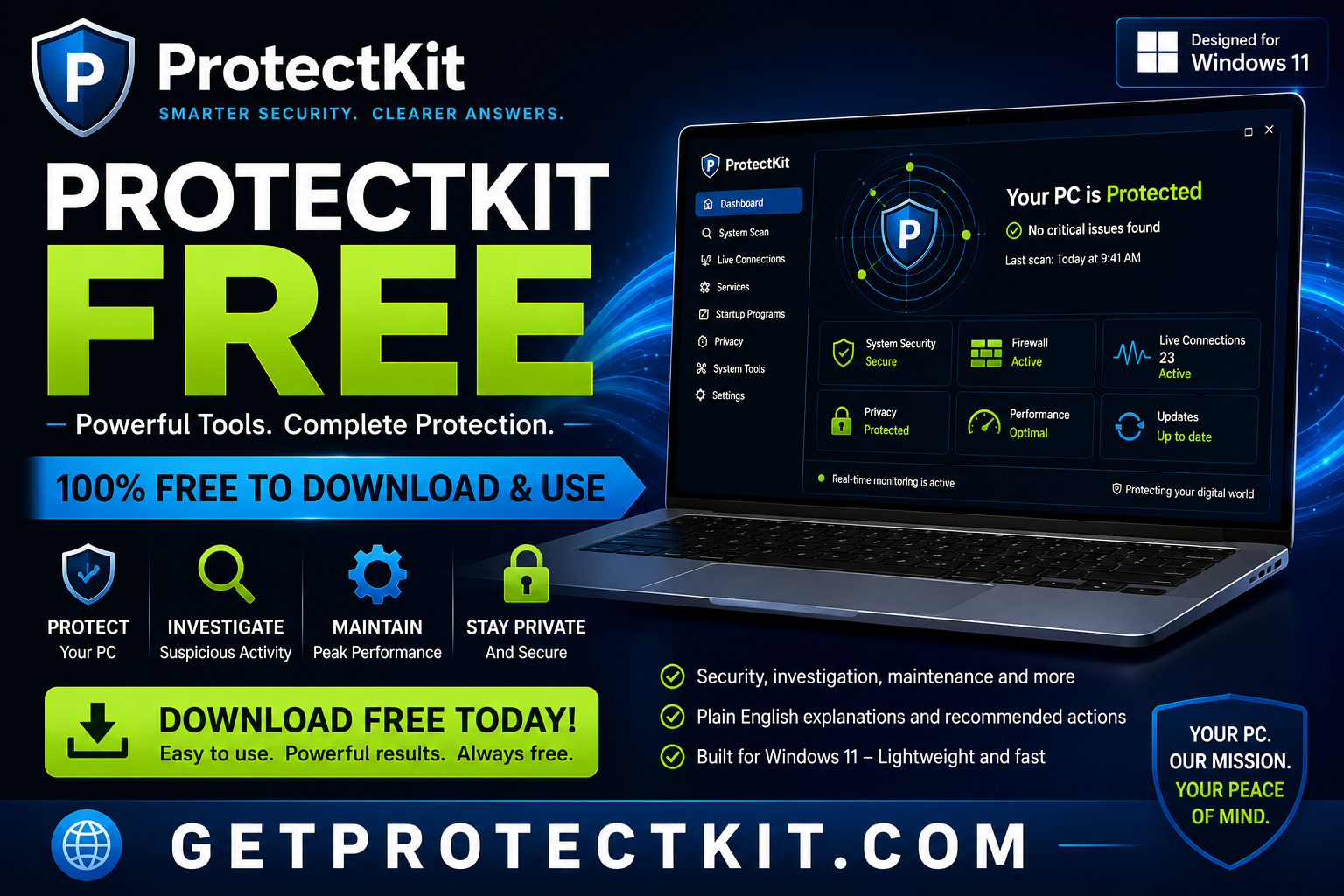
Download a banner for your own promotion, or use the website embed code to display
a ProtectKit banner directly from GetProtectKit.com.
How to put a ProtectKit banner on your website
1. Copy the embed code underneath the banner you want to use.
2. Replace YOUR-AFFILIATE-LINK with your complete approved affiliate tracking link.
3. Paste the finished code into the HTML of your website, blog, or landing page.
That is the only part of the code you need to change. The banner image stays hosted on GetProtectKit.com, while clicks go through your affiliate tracking link.
Example: if your affiliate dashboard gives you a full tracking URL, replace the words
YOUR-AFFILIATE-LINK with that entire URL. Do not change the ProtectKit image URL.
Want to change the banner size?
The standard embed code is responsive, so the banner automatically shrinks to fit smaller screens.
If you are not sure what size to use, leave the embed code unchanged.
To choose a specific width, find this part of the banner code:
<a href="YOUR-AFFILIATE-LINK"
   target="_blank"
   rel="sponsored noopener">
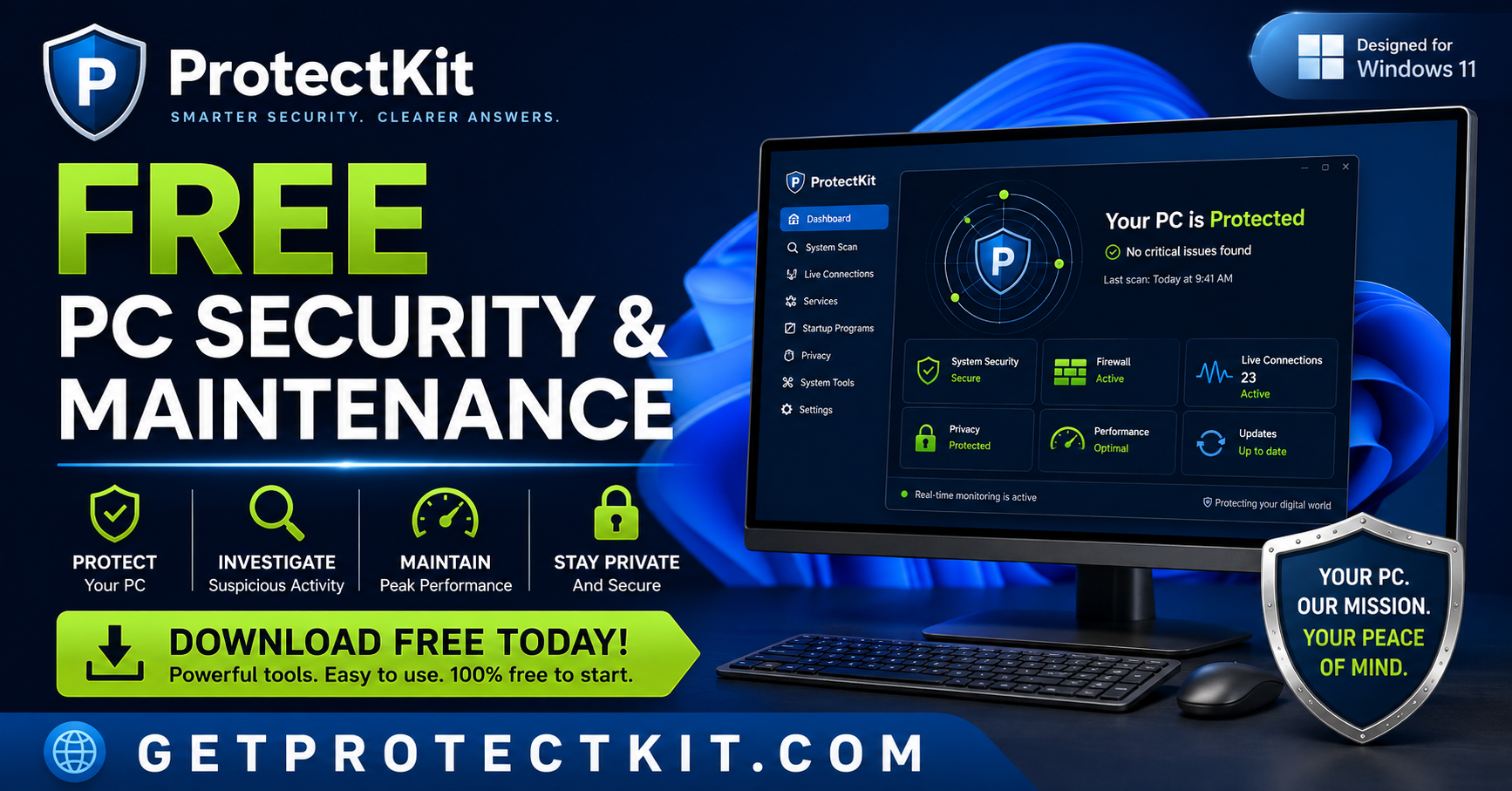
  <img src="https://getprotectkit.com/protectkit-free-pc-security-maintenance.png"
       alt="ProtectKit Free PC Security and Maintenance for Windows 11"
       style="max-width:100%;height:auto;border:0;"
       loading="lazy">
</a>
Suggested use: security, privacy, Windows, investigation, and technology audiences.
<a href="YOUR-AFFILIATE-LINK"
   target="_blank"
   rel="sponsored noopener">
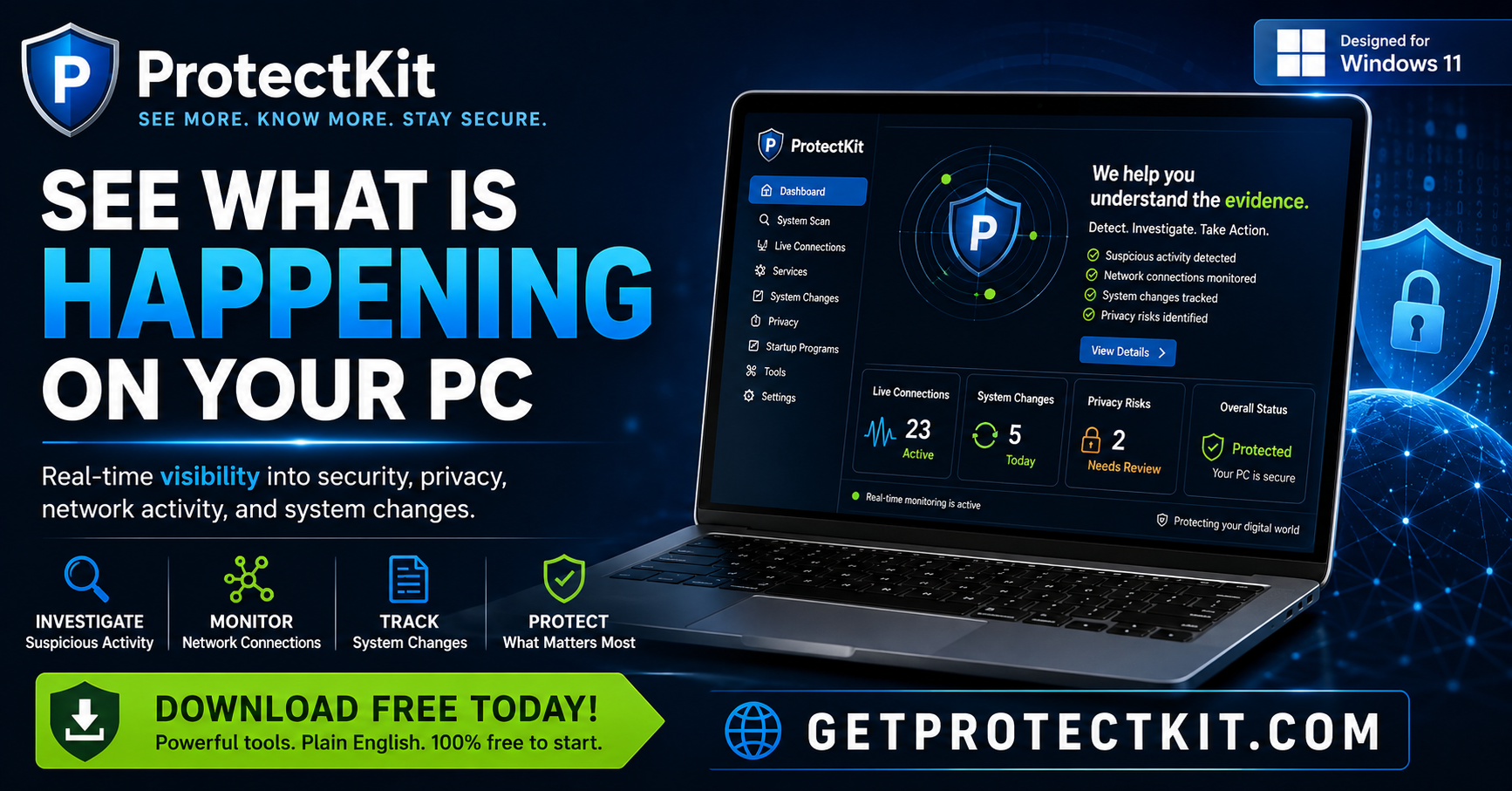
  <img src="https://getprotectkit.com/protectkit-see-what-is-happening-on-your-pc.png"
       alt="ProtectKit, See What Is Happening on Your PC"
       style="max-width:100%;height:auto;border:0;"
       loading="lazy">
</a>
Suggested use: download-focused posts, newsletters, review pages, and general Windows audiences.
Important: Replace only YOUR-AFFILIATE-LINK with your complete approved affiliate tracking link.
Keep the ProtectKit image address unchanged so the official banner continues to load from GetProtectKit.com.
These graphics are provided for approved ProtectKit affiliate promotion and should not be modified in ways
that imply unsupported claims, guarantees, certifications, or endorsements.
Copy & Paste
Promotional text affiliates can adapt
Replace [YOUR AFFILIATE LINK] with your approved tracking link.
Short Social Post
Looking for a useful Windows 11 security and maintenance app?
ProtectKit helps you review Windows security, investigate suspicious activity, understand findings, and use practical maintenance tools.
There is a Free edition available.
Learn more:
[YOUR AFFILIATE LINK]
Medium Social Post
If you use Windows 11 and want more visibility into what is happening on your PC, take a look at ProtectKit.
ProtectKit brings security checks, investigation tools, Windows hardening, device security, network visibility, maintenance, and recovery tools together in one application.
It is designed to explain what was found, why it matters, what evidence is available, and what you can do next.
ProtectKit Free is available, with Premium optional.
[YOUR AFFILIATE LINK]
Email / Newsletter Intro
I recently came across ProtectKit, a Windows 11 security and maintenance application designed to make Windows security information easier to understand.
Instead of only showing technical alerts, ProtectKit focuses on explaining what was found, why it matters, what evidence supports the finding, and what the user can do next.
There is a useful Free edition, so you can try it before deciding whether Premium makes sense for you.
Learn more here:
[YOUR AFFILIATE LINK]
YouTube Description
ProtectKit is a Windows 11 security and maintenance application that helps users review protections, investigate suspicious activity, understand findings, and use practical Windows maintenance and recovery tools.
ProtectKit Free:
[YOUR AFFILIATE LINK]
Disclosure: I may earn a commission if you purchase ProtectKit Premium through my link.
Review Article Intro
ProtectKit takes a different approach to Windows security. Rather than positioning itself as a replacement for the protections built into Windows, it brings security visibility, investigation, hardening, maintenance, and guidance into one application.
Its focus is helping everyday users understand what is happening on their PC and what they should do next.
Simple Recommendation
Want to see more of what is happening on your Windows PC?
ProtectKit gives you security, investigation, device, network, maintenance, and recovery tools in one place.
Start with ProtectKit Free:
[YOUR AFFILIATE LINK]
Content Ideas
Topics affiliates can build content around
Educational content often performs better than simply posting a sales link.
How to see what is connecting to the Internet on your Windows PC
How to check who is on your WiFi network
Windows 11 security settings worth reviewing
How to investigate suspicious startup programs
How to review Windows services you do not recognize
Free Windows 11 security tools for everyday users
How to improve Windows security without replacing Microsoft Defender
How to investigate suspicious network connections
How to review USB and Bluetooth devices on a PC
How to clean up and maintain a Windows 11 computer
What does “suspicious” actually mean in PC security?
How to understand security alerts before taking action
Messaging
Headlines and hooks
Use these as starting points for posts, videos, ads, articles, or emails.
Free PC Security & Maintenance
Simple, broad, and useful for general Windows audiences.
See What Is Happening on Your PC
Good for investigation and transparency-focused content.
Windows Security That Explains Itself
ProtectKit's primary brand message.
Understand the Warning Before You Act
Good for ProtectKit's evidence and explanation angle.
How Secure Is Your Windows PC?
Useful as an educational article or video hook.
Start Free. Upgrade Only If You Need More.
Good for lowering purchase resistance.
Affiliate Disclosure
Be clear with your audience
Affiliates should clearly disclose their affiliate relationship where required.
Short Disclosure
Affiliate disclosure: I may earn a commission if you purchase through my link.
Video / Description Disclosure
Some links in this description are affiliate links. If you purchase ProtectKit Premium through my link, I may earn a commission at no additional cost to you.
Article Disclosure
Disclosure: This page contains an affiliate link for ProtectKit. I may receive a commission if a qualifying purchase is made through that link.
Using Your Tracking Link
Always use your own approved affiliate link
After your affiliate account is approved, use the tracking link provided through
the ProtectKit affiliate program. Replace [YOUR AFFILIATE LINK]
in the examples on this page with that link.
Do not alter tracking parameters unless the affiliate platform specifically
instructs you to do so. If you are given a dedicated ProtectKit landing page,
use the URL provided to you.